iPhone widgetSmallest Show
Tonight at the independent cinemas of dozens of American cities: what's playing, what's sold out, a tap to tickets. Pick your city, then the theaters you go to.

Already have Scriptable? Just the second button. Nothing to edit; the script keeps itself up to date.
Three steps
- With Scriptable installed, tap Add to Scriptable above. Safari downloads SmallestShow.scriptable; open it from the Downloads arrow (or Files) and Scriptable asks to add it. Tap Add, then run it once: it asks which theaters you go to; tick yours and close the sheet. The Theaters › row at the top of the list changes them any time.
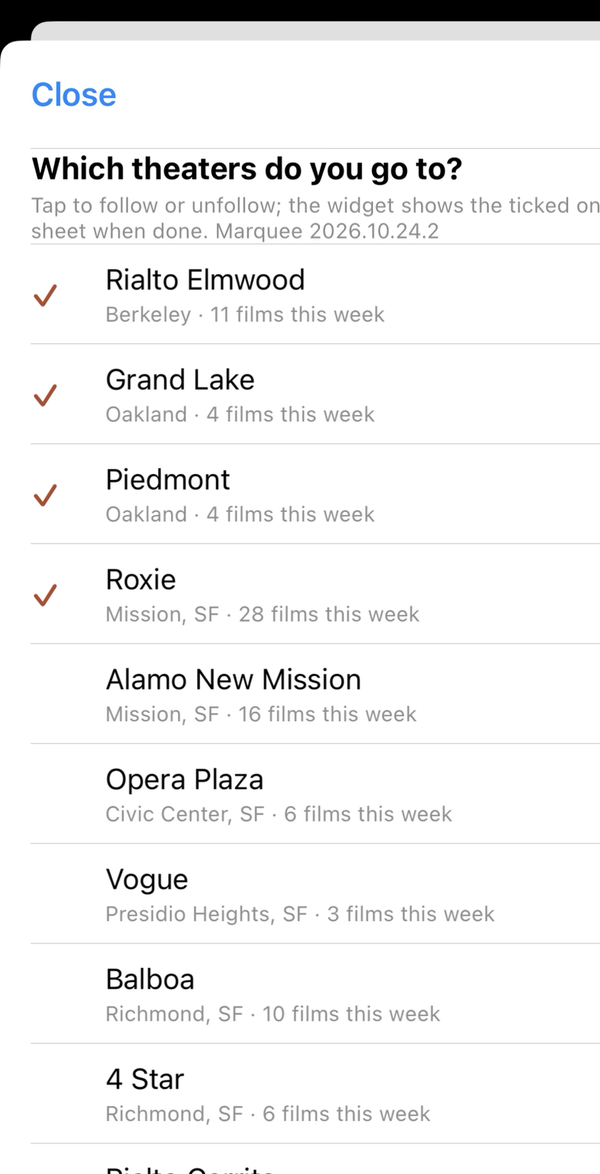
Tick the theaters you go to. 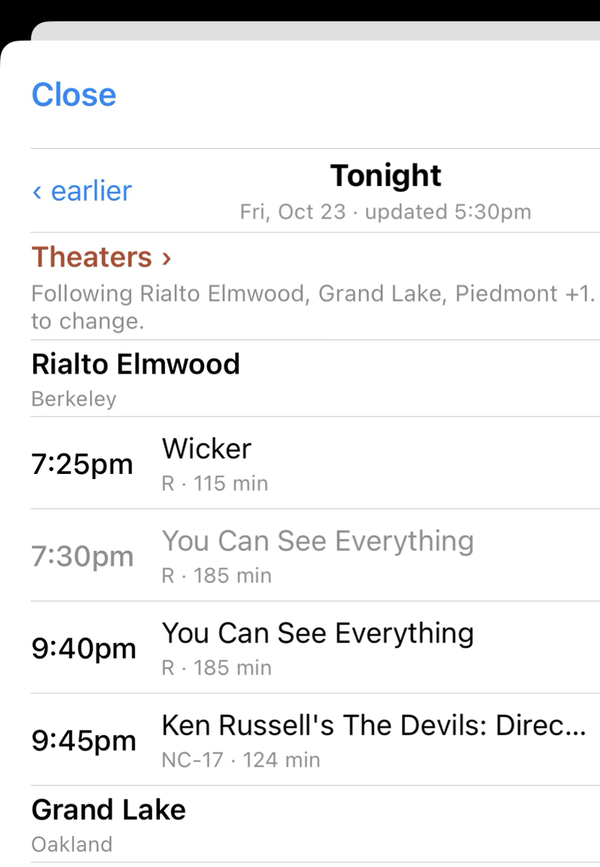
The list, with the Theaters row at the top. - On the home screen, long-press, Edit › Add Widget, search Scriptable, pick the large size.
- Long-press the new widget, Edit Widget: Script Smallest Show, When Interacting Run Script.
A time taps to that show's ticket page, a theater's name to its site, the title to the full list. Sold-out times are greyed. After the last show the widget rolls to tomorrow.
Theaters you can follow
- loading…
Listings are rebuilt every three hours through the day from each theater's own ticketing.